Run the business on numbers, not paperwork
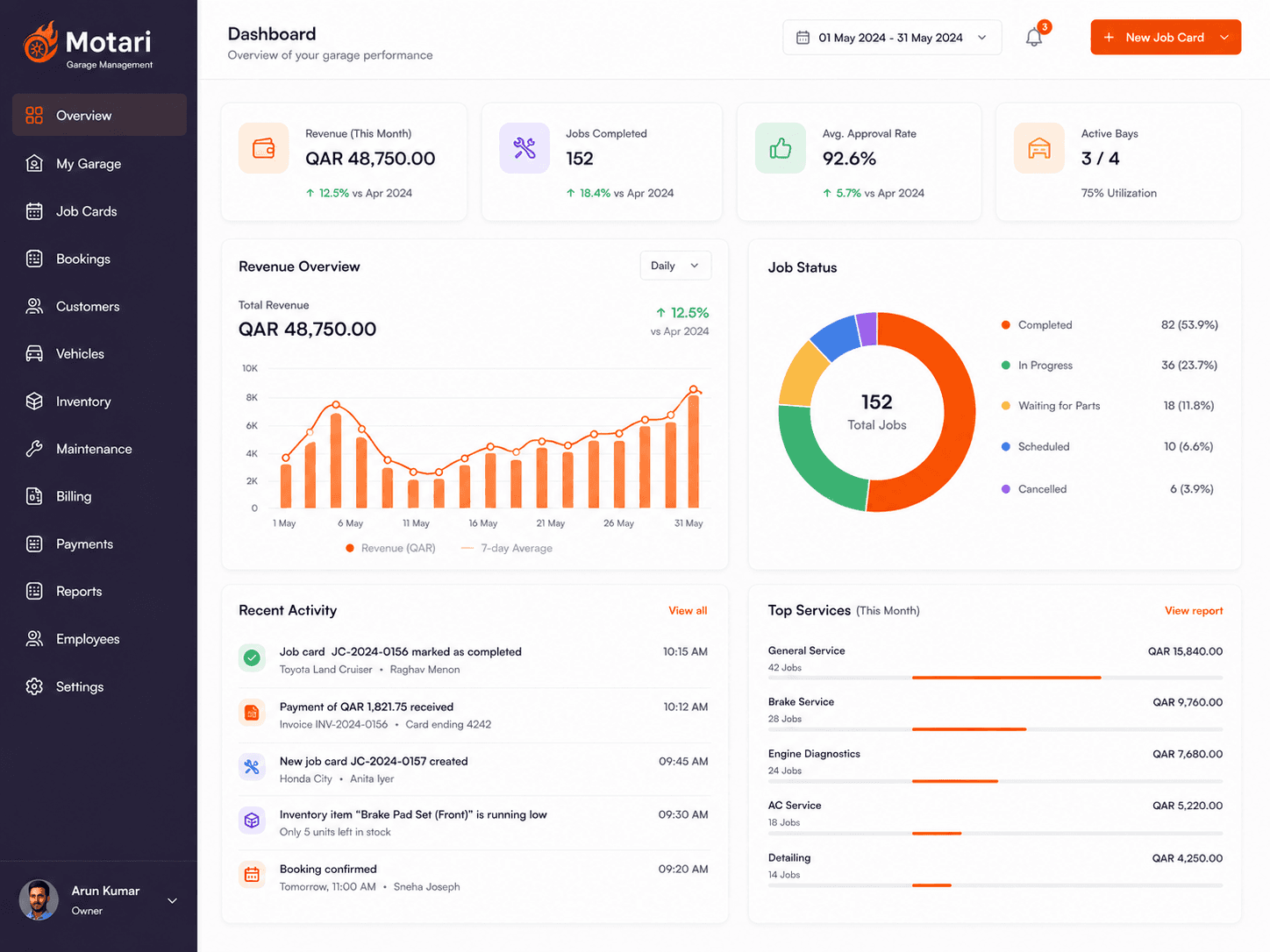
Throughput, revenue and margin in one view, so you can see which bays and which jobs actually make money.
How it works
How owner dashboard works
The work records itself
Job cards, parts and payments are already being captured as you operate.
Numbers assemble on their own
No spreadsheet to build at month end and no data to re-enter.
See where the money is
Which jobs, which bays and which branches actually earn.
Decide on evidence
Change pricing or staffing knowing what it currently produces.
Today
What this replaces
- The workshop feels busy but the profit is not obvious
- Decisions made on instinct because the numbers take a week to assemble
- No way to compare one branch against another
Owner Dashboard
How it works
What Owner Dashboard does
Throughput and revenue
Jobs completed and money taken, without building a spreadsheet.
Where the profit is
Identify the work and the bays that earn, and the ones that do not.
Branch by branch
Compare locations on the same measures, from one screen.
What you get
Included with owner dashboard
- Jobs completed and revenue taken
- Margin by job type
- Branch-by-branch comparison
- Outstanding payments at a glance
- Technician throughput
- No spreadsheet to maintain
Common questions
No. It answers an owner's questions — what came in, what it cost, which work earns. Your accountant still handles the books.
See it on your own jobs
Book a 20-minute demo on WhatsApp and we will walk through it with a real job from your workshop.